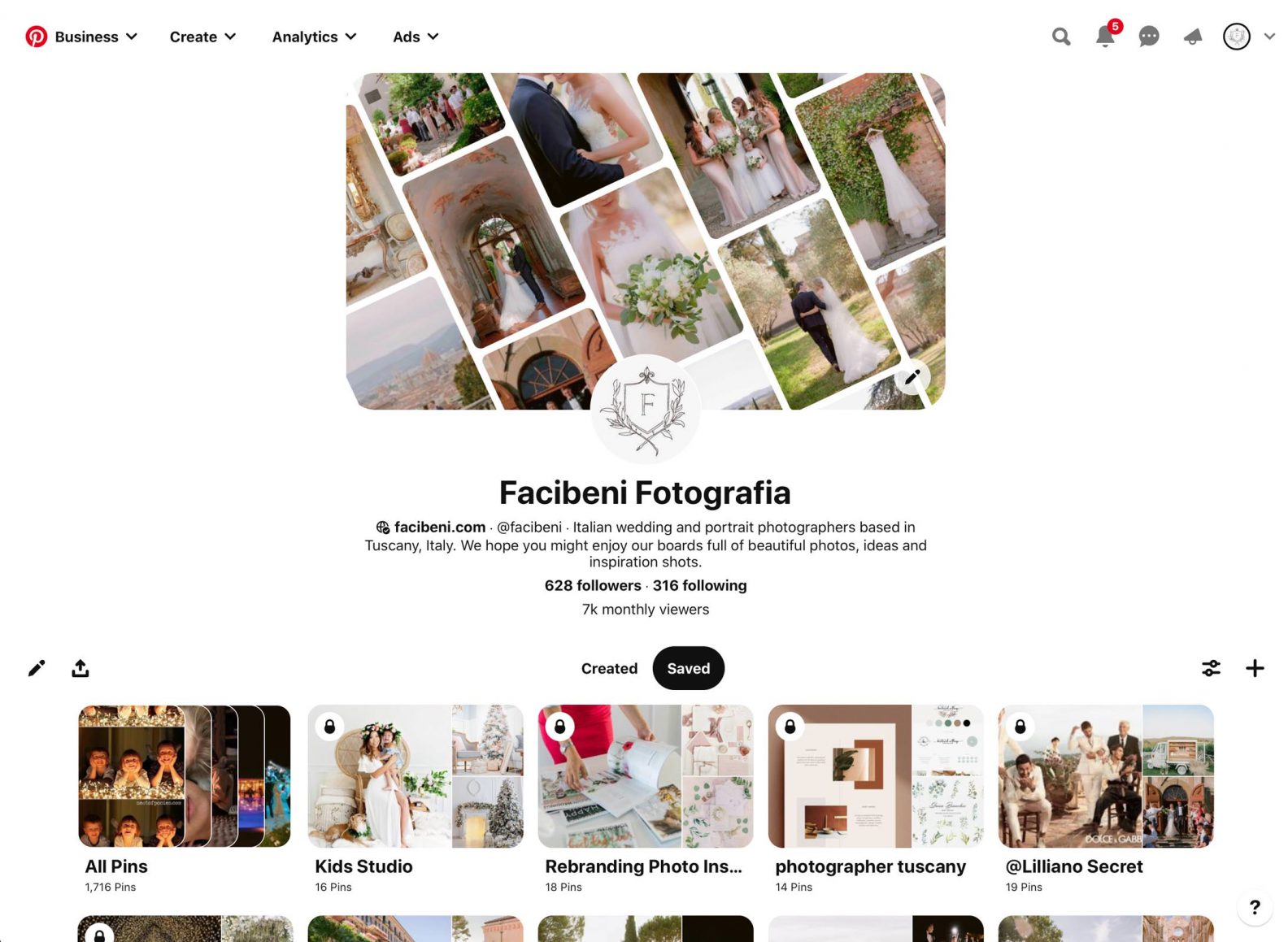
Users can save ("pin") images and videos to their boards, organizing them based on their interests or themes.
- Role: Designer/Developer
- Context: Competitive Analysis
- Duration: April 2024
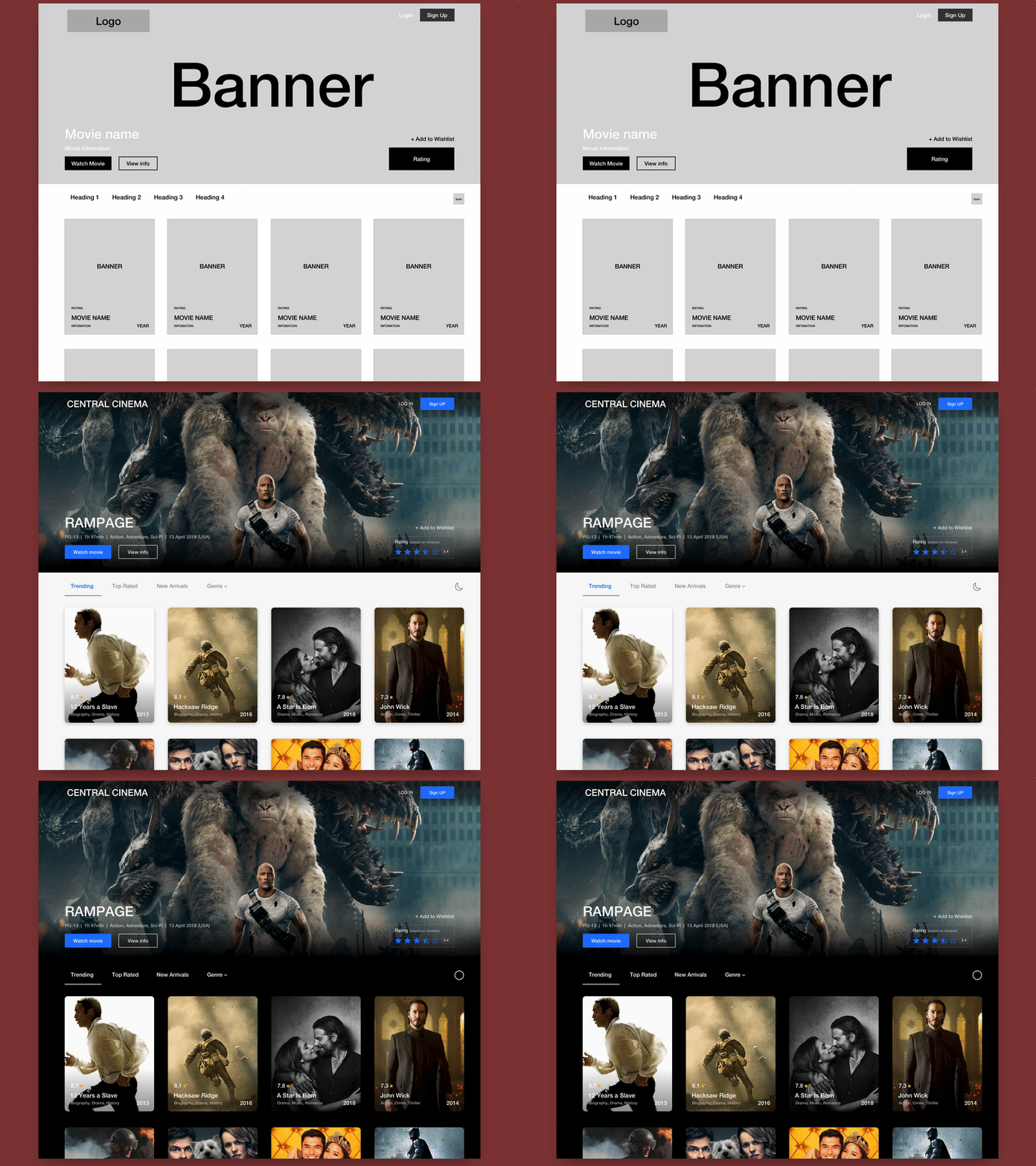
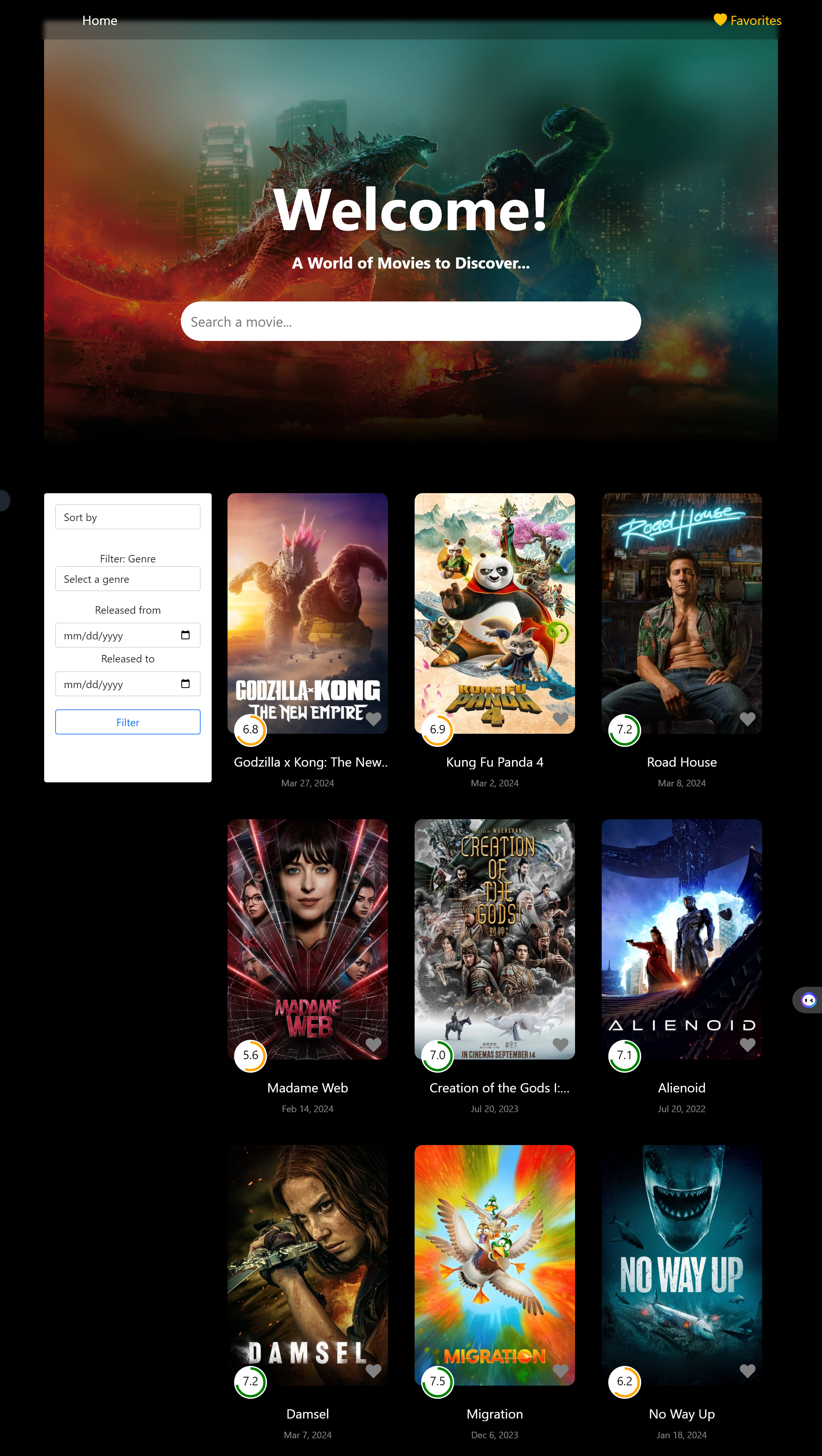
The goal of this assignment was to create a platform where users can explore and discover movies. The aim was to incorporate features that allow users to easily filter through a vast database of films based on various criteria such as genre or release year. Additionally, users can sort their search results based on parameters like popularity, alphabetical order, or release date. Users can also aggregate their favorite movie to a saved list.
Users can save ("pin") images and videos to their boards, organizing them based on their interests or themes.
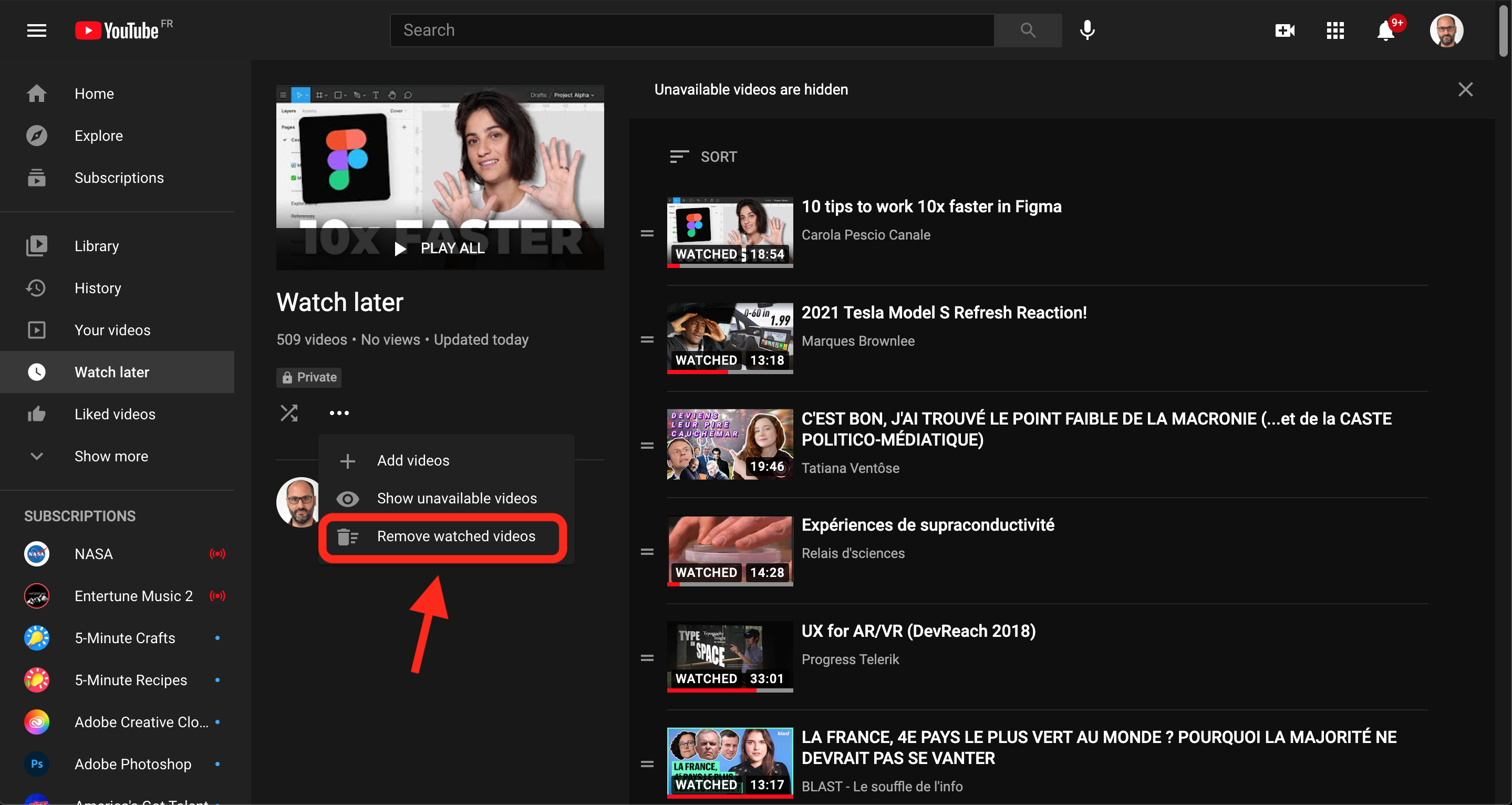
YouTube lets users save videos to a "Watch Later" playlist and can like videos, which saves to a “Liked Videos” playlist. Additionally, users can also create playlists and add videos to them for easy access and organization.
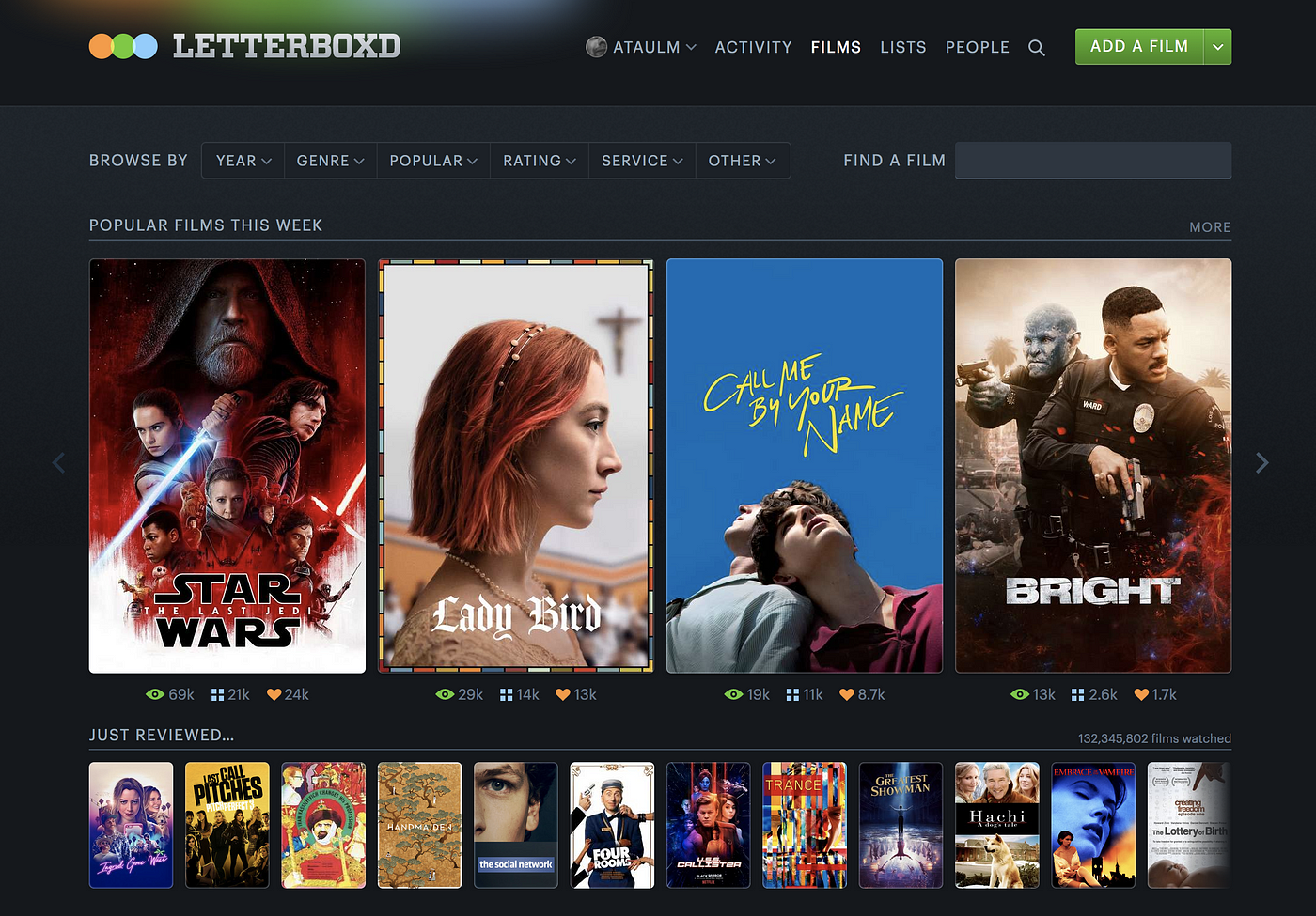
Users can mark movies as "Liked" or "Favorite" to highlight films they particularly enjoyed or want to showcase on their profile. They can also create lists and add movies for organization.
| Category | YouTube | Letterboxd | |
|---|---|---|---|
| List Organization | Great | Good | Good |
| Sharing | Great | Great | Good |
| Customization | Good | Ok | Great |
| Privacy | Great | Great | Great |
| Intuitive Design | Good | Ok | Ok |
| Recommendations | Great | Good | Poor |
| Sort/Filter Categories | Ok | Good | Great |
Overall, all three websites organize their information well in their favoriting function. All allowed users to create lists to manage their favorites, with Pinterest excelling by allowing users to create subsections in their lists. As for adding information, all sites had a spot for users to add descriptions to their list. However, while YouTube only offered a space for the name and description for each list, Letterboxd excels by allowing users to add tags and notes for each film added to each list. All three platforms prioritize privacy and security, with options for controlling the visibility of favorited items and employing measures to protect user data. In terms of intuitive design, Pinterest has clear navigation to their favoriting feature, while YouTube and Letterboxd requires the user to tap on a dropdown of extra options to add to playlists. Pinterest and YouTube offer personalized recommendations based on favorited items, while Letterboxd only recommends recent watched movies from friends. Pinterest did not offer sorting, YouTube had basic sorting categories of date added, date published, and most popular, and Letterboxd had a large range of options such as sorting by name, popularity, release date, rating, interest, film length, etc.
New projects, work inquiry or even a coffee.
I'm currently a Software Engineer at Capital One. I got my BS in Computer Science at Brown University. My pals describe me as a caring, reliable, hardworking team player. I'm passionate about interaction, UI/UX, and human-centered design. My driving force is understanding people, having empathy towards the challenges they are presented with, and helping them find solutions through intuitive design and insightful interaction. When I'm not coding, you can find me playing with my foster cats, going on Pikmin Bloom, or watching K-dramas!